Description
Course Details:
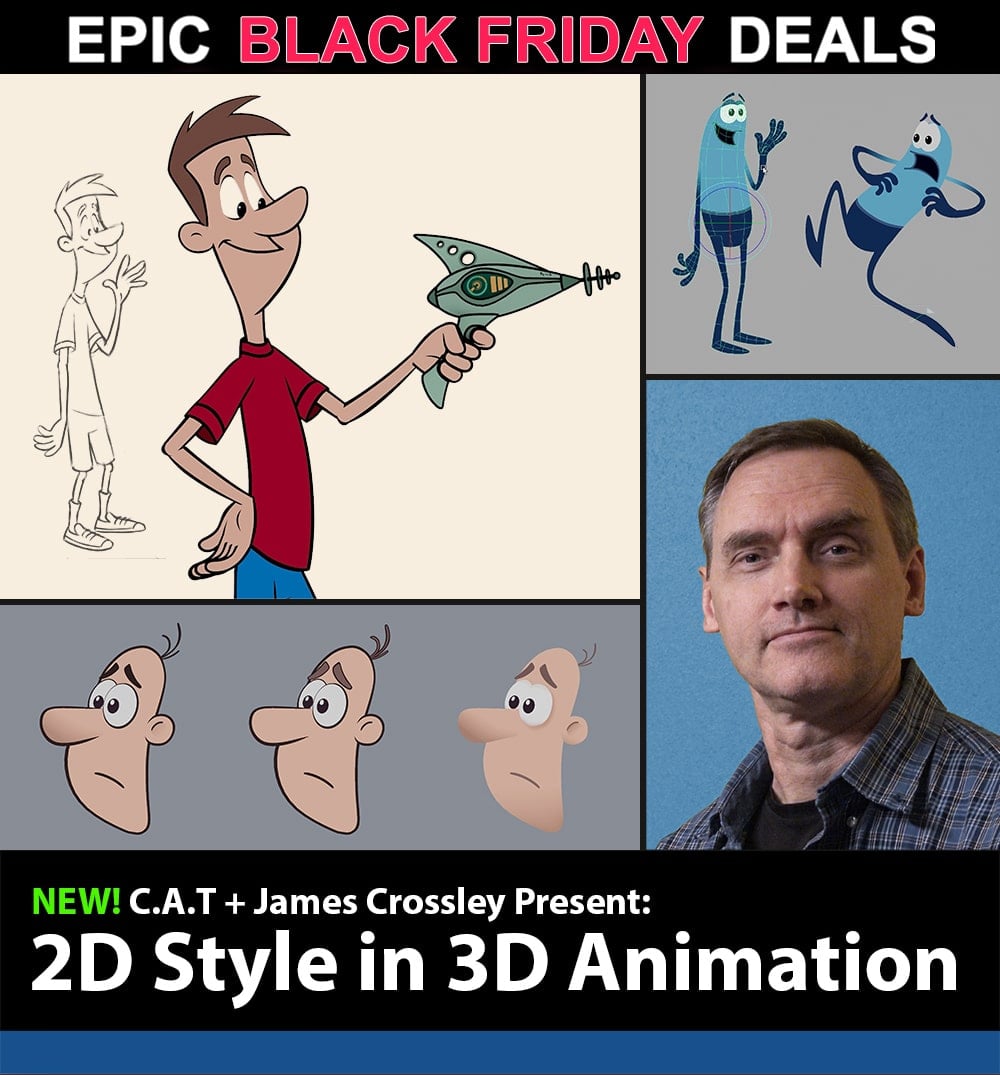
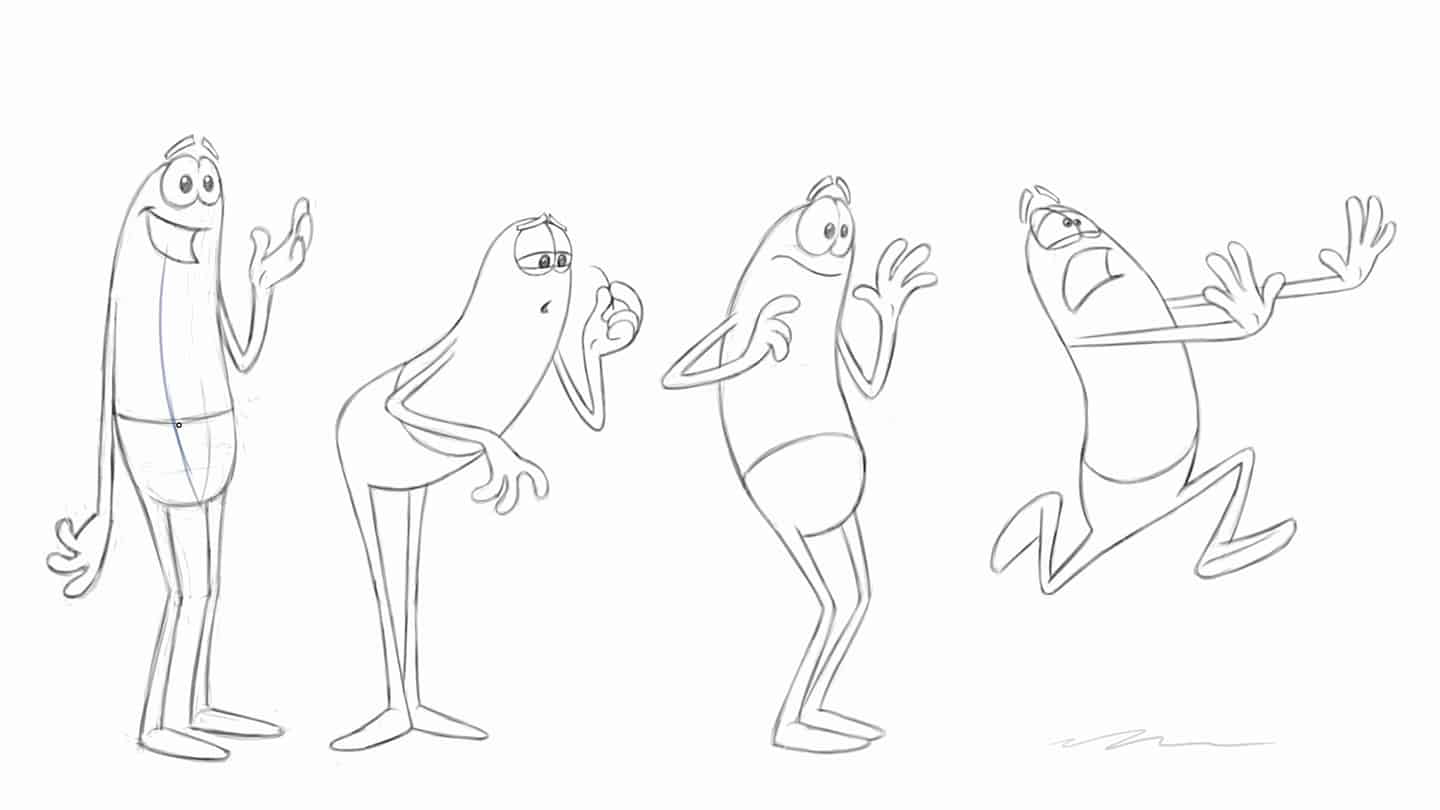
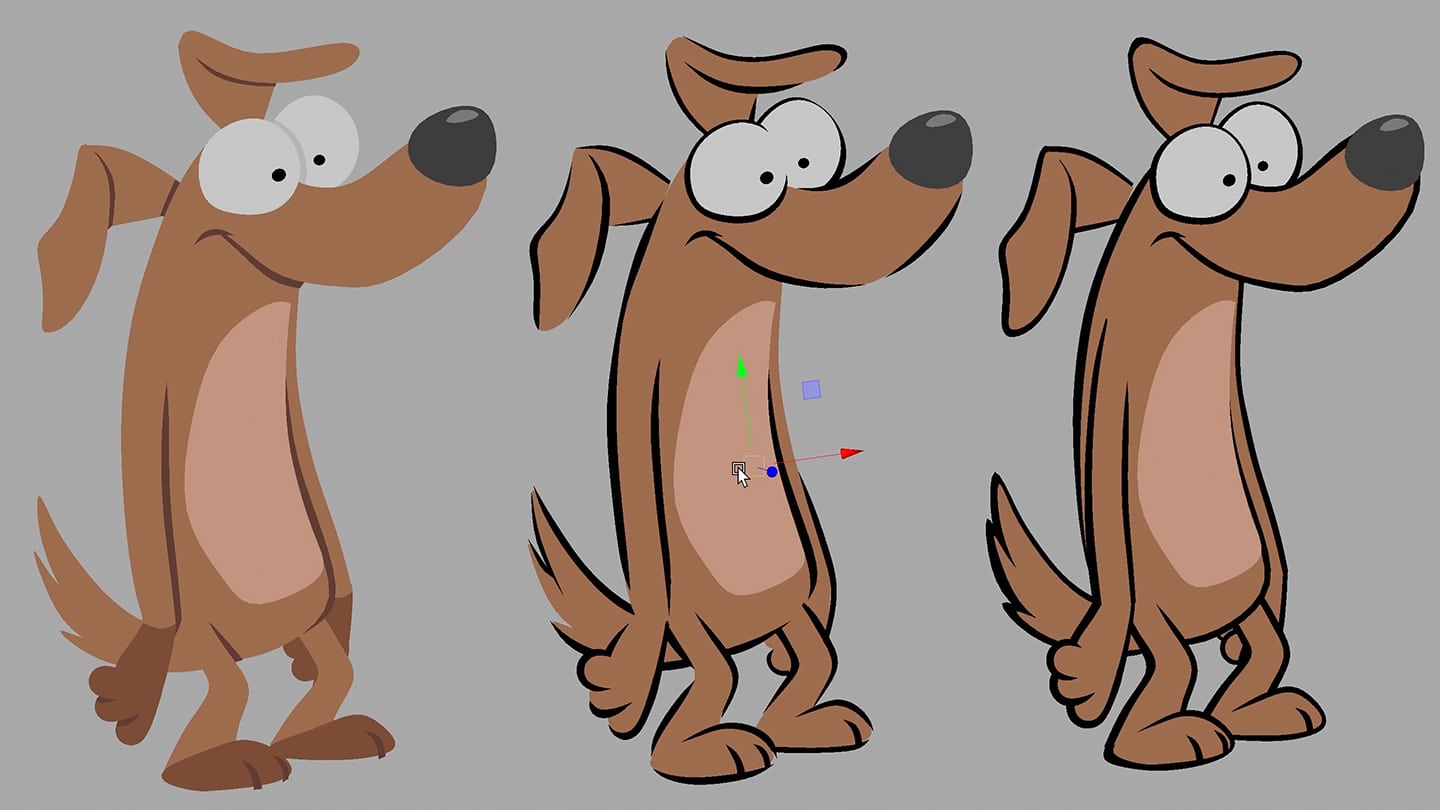
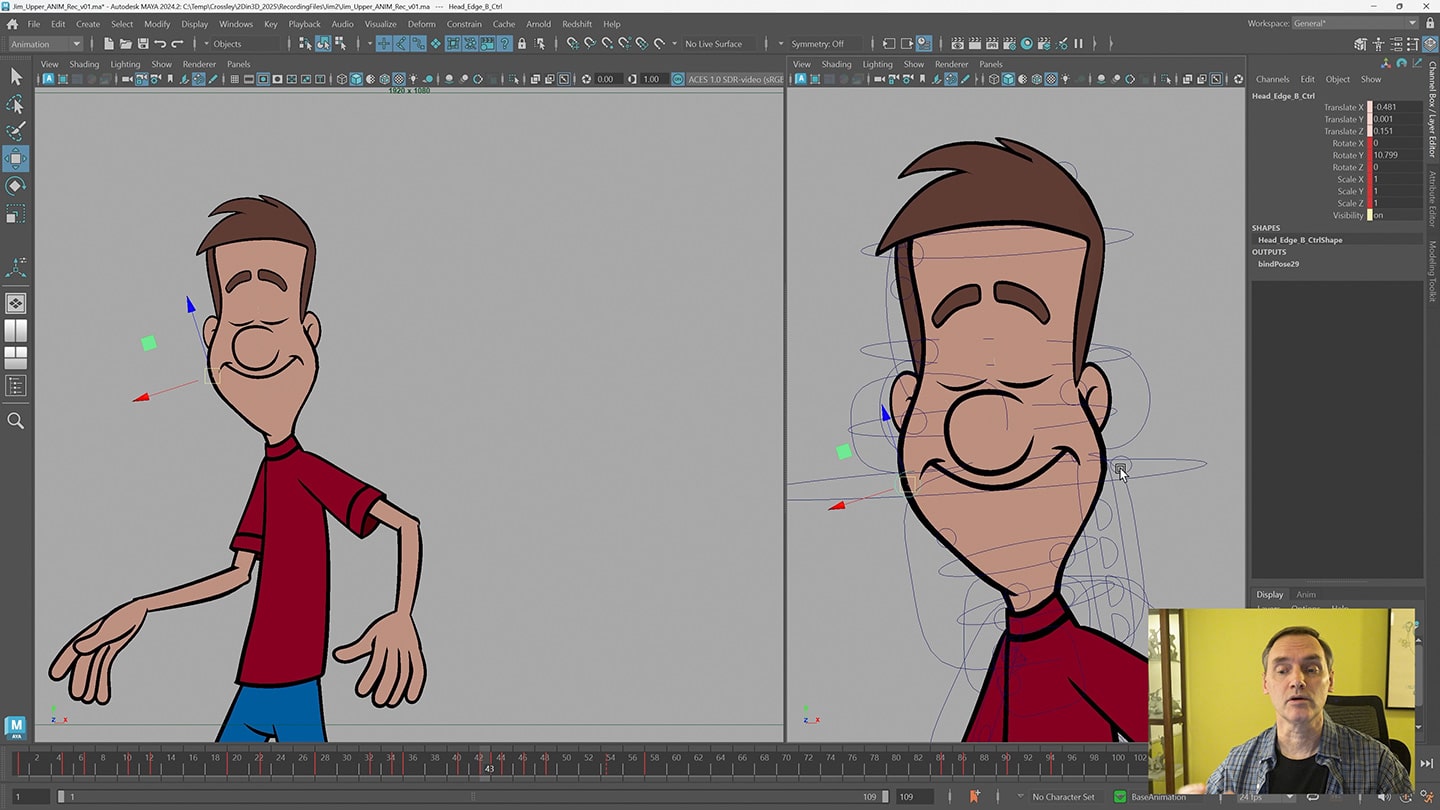
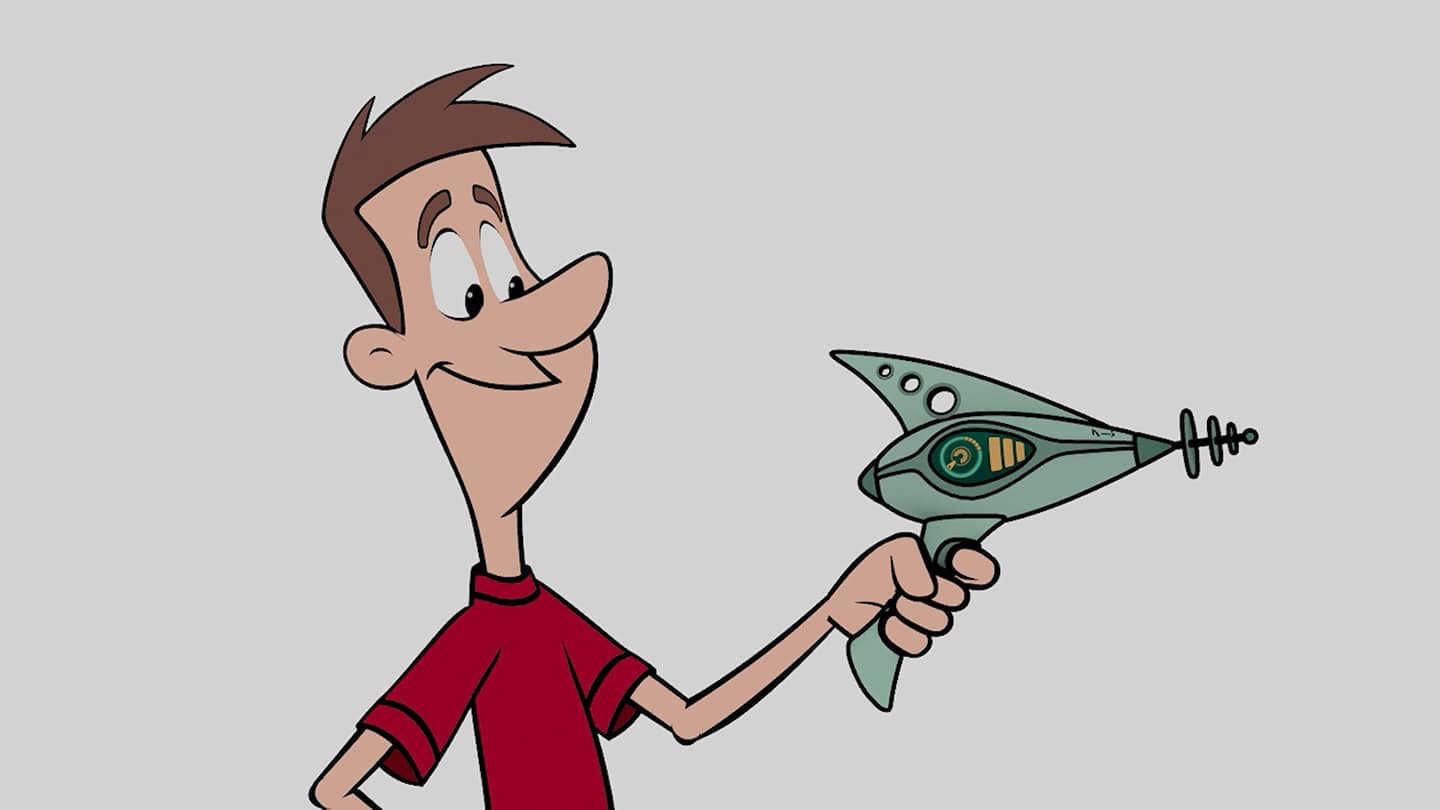
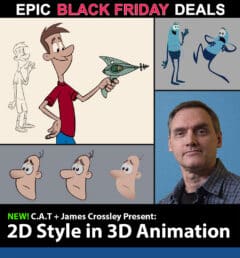
A lively pose. A beautifully shaped silhouette. A line that bends and tapers just where you want it. In 2D Style in 3D Animation with James Crossley, you’ll explore how to bring these artistic choices into a 3D workflow and give your animation a distinctive, illustrated look.
James draws on his training in traditional hand-drawn animation, 18 years at Disney and Sony Pictures Imageworks, and more than a decade teaching animation at SCAD. He guides you through practical ways to adapt modeling, rigging, and animation techniques to the shapes, expressions, and performances you want.
Across 6.5+ hours in 19 videos, you’ll build flat characters from polygon shapes, develop controls for their bodies and faces, and explore how to animate them with convincing depth and personality. Start with a simple character, then extend the approach to a more detailed design with custom linework, clothing, and additional rigging options.
Production Experience & Teaching Expertise
From Disney and Sony to the classroom.
James spent nine years at Disney, contributing CG animation to traditionally animated features including Mulan, Lilo & Stitch, and Brother Bear, as well as the fully CG feature Dinosaur.
During nine years at Sony Pictures Imageworks, his work ranged from Surf’s Up and The Chronicles of Narnia to animation supervision on Cloudy with a Chance of Meatballs and Alice in Wonderland. As Senior Animation Supervisor on Hotel Transylvania, he worked with director Genndy Tartakovsky to establish the film’s animation style.
A Professor of Animation at the Savannah College of Art and Design since 2013, James brings years of classroom teaching to his demonstrations, explaining how the tools work and how to use them to support an animated performance.
What’s Inside the Course:
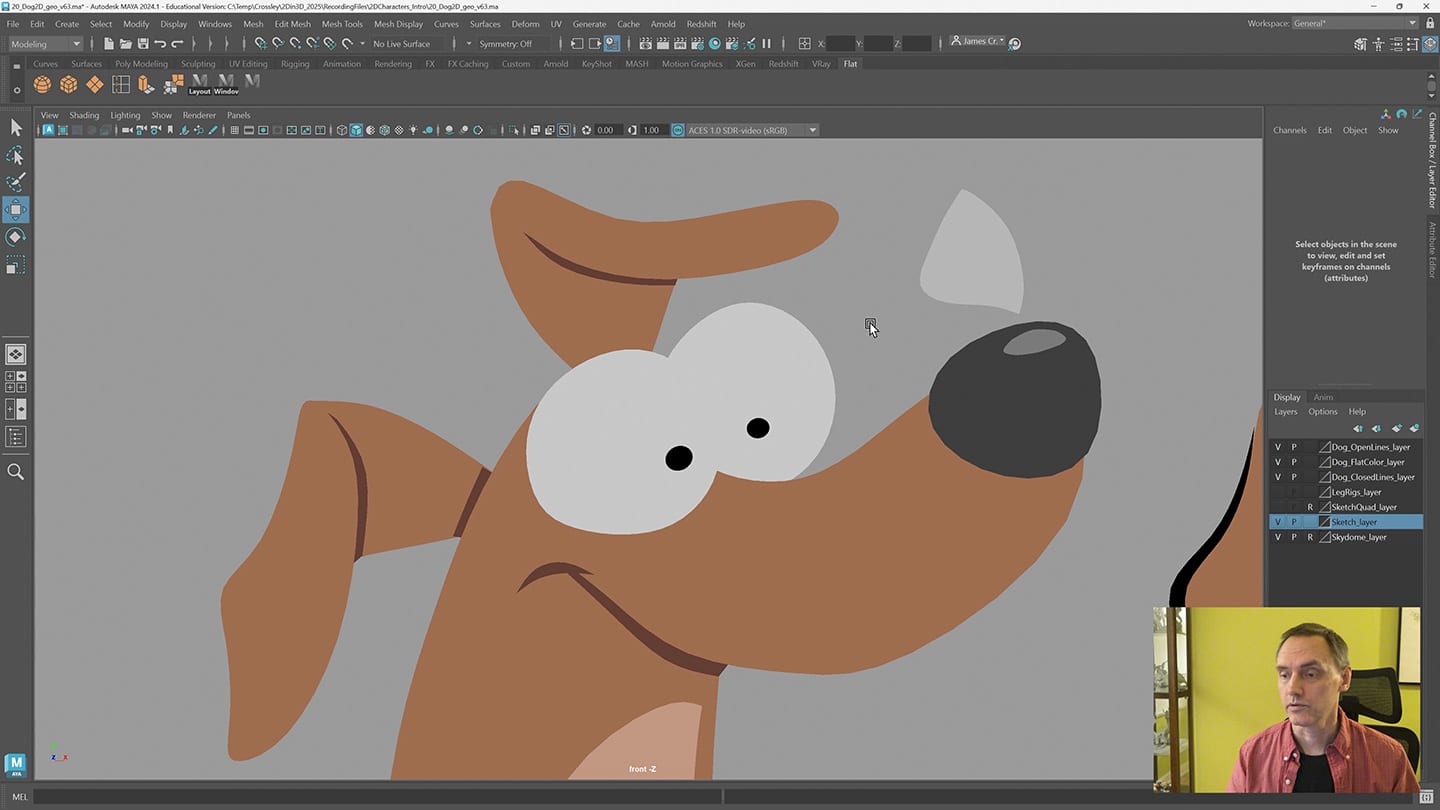
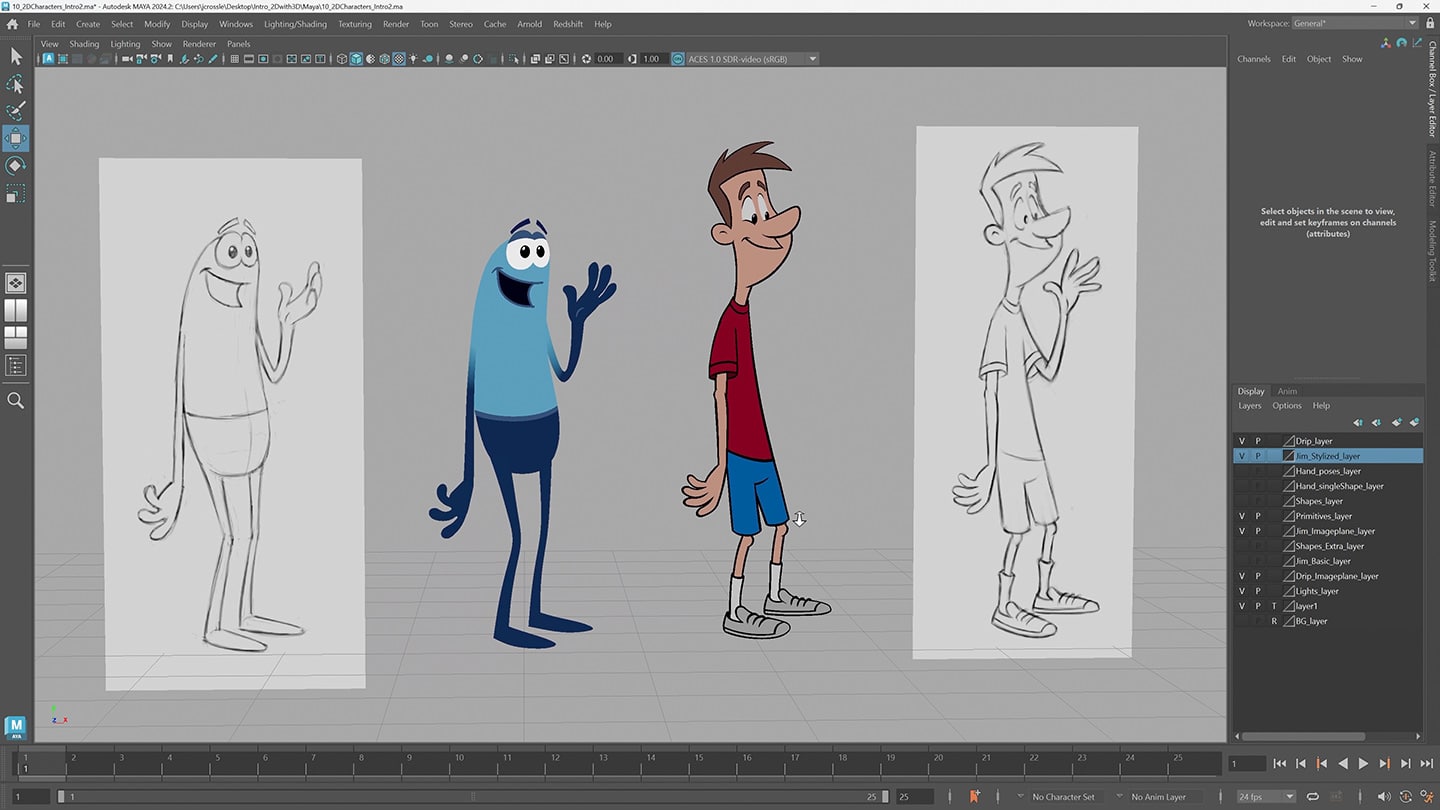
- Modeling for a 2D Look: Build characters from flat polygon shapes, organize overlapping pieces, and use gradients and carefully shaped edges to preserve the appeal of your original design.
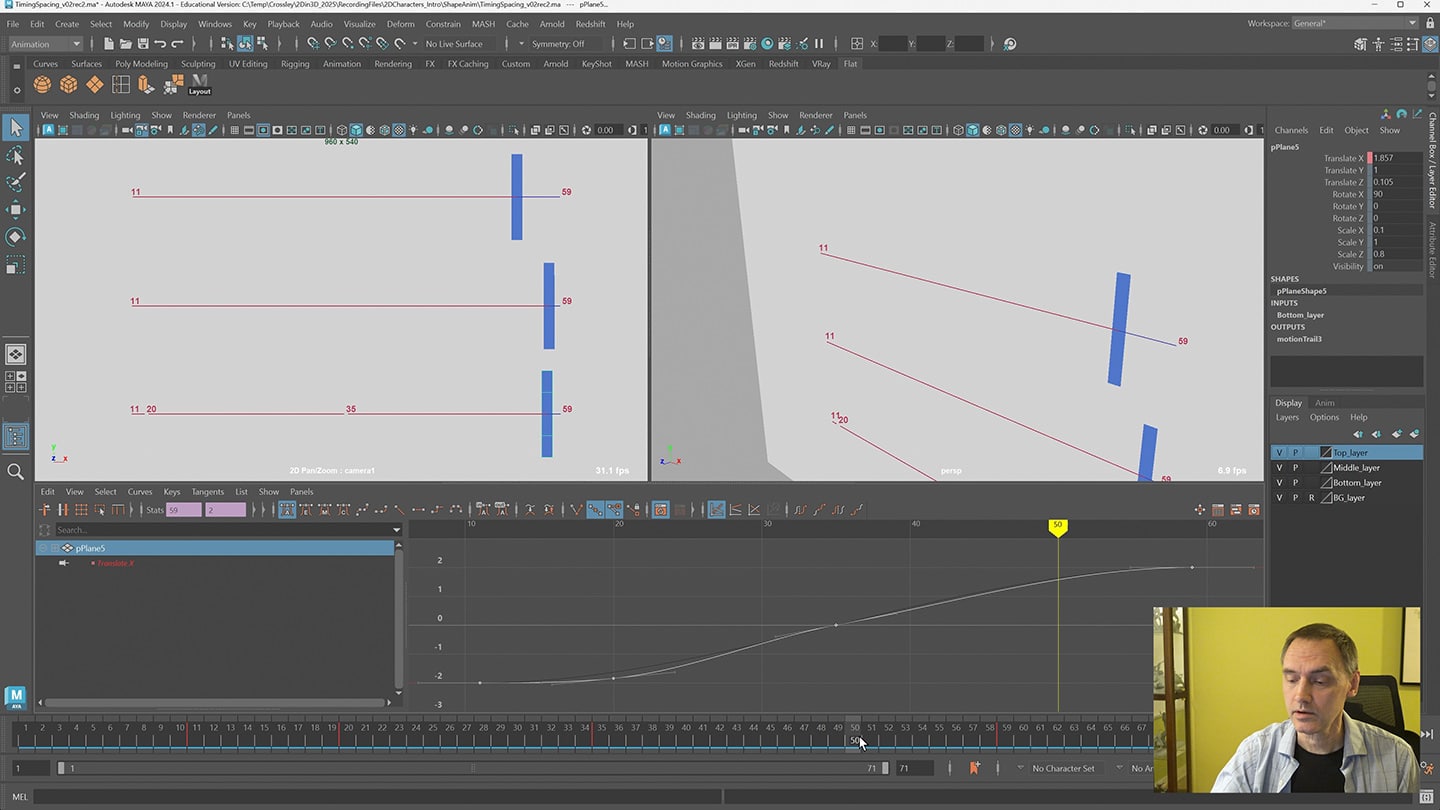
- Animation with Simple Shapes: Practice posing, timing, spacing, and squash and stretch. Learn how keyframes, animation curves, and deformers affect the feeling of a movement.
- Hierarchies & Character Controls: Understand how grouping, parenting, and constraints connect your character’s parts, then use those relationships to build manageable rigs.
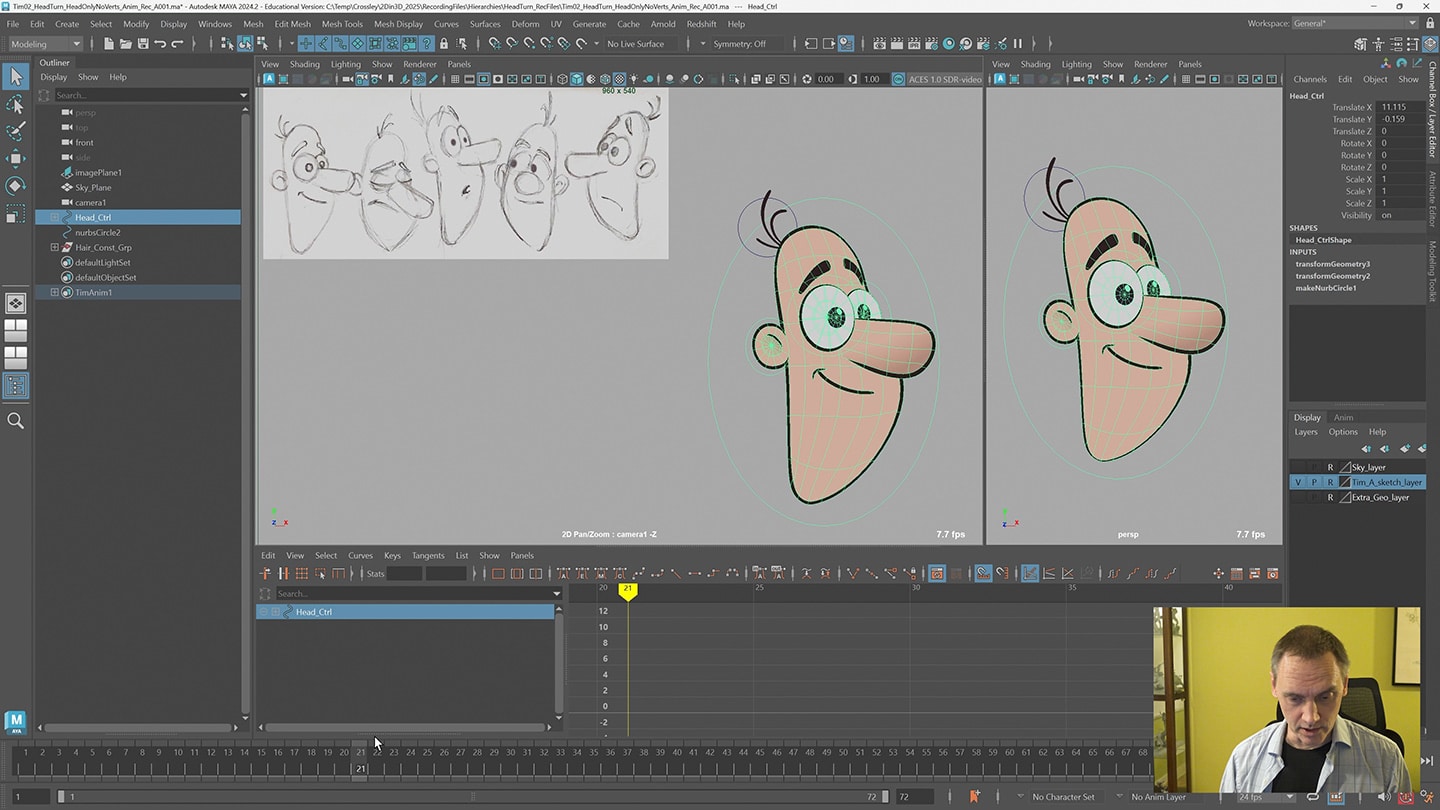
- Expressive Head Turns: Follow a detailed demonstration of creating expressions, head turns, and the illusion of volume with flat shapes, using thumbnail sketches, key poses, and breakdowns.
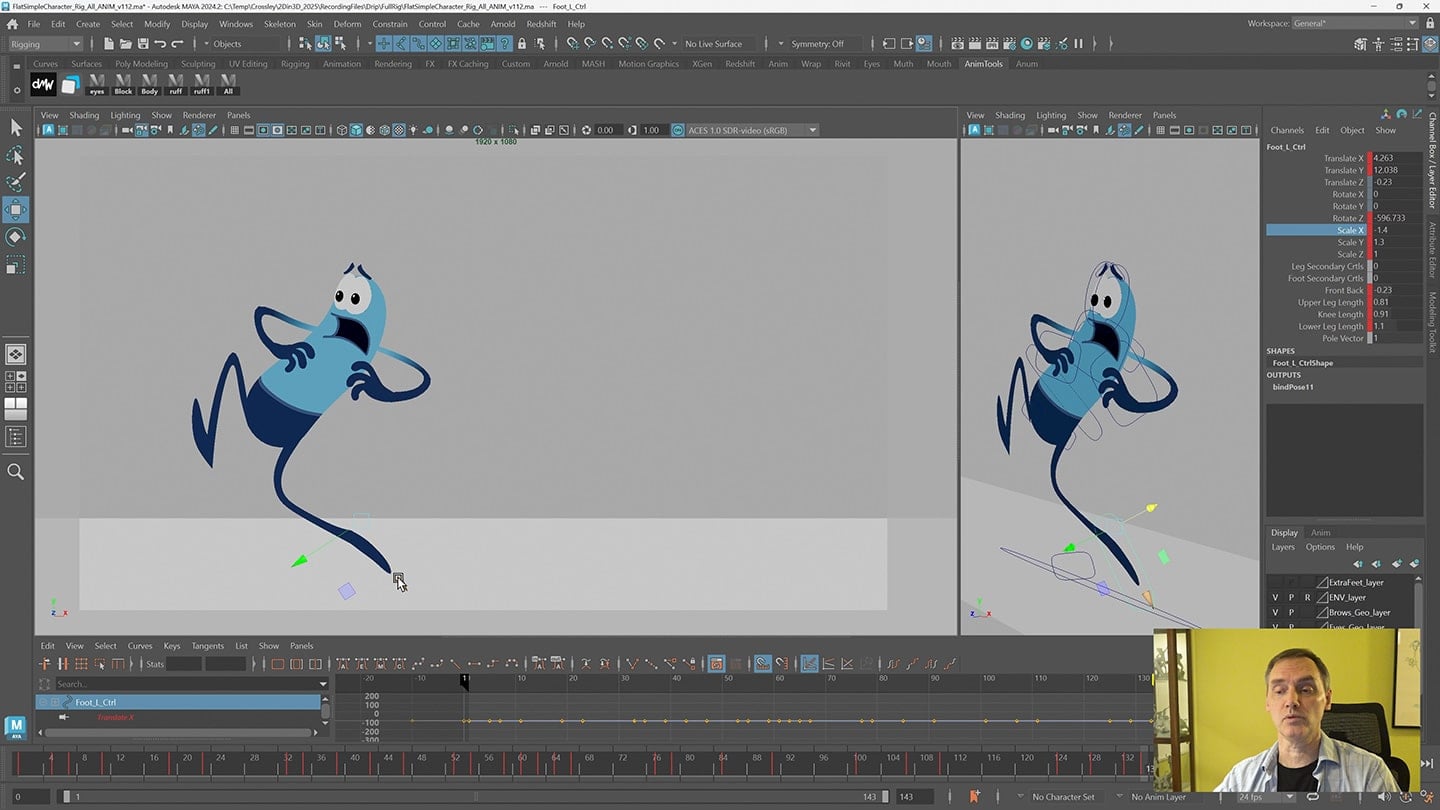
- Body & Leg Rigging: Work with joints, skin binding, and animation controls. Explore inverse kinematics and flexible shapes that help your character bend, jump, and change poses.
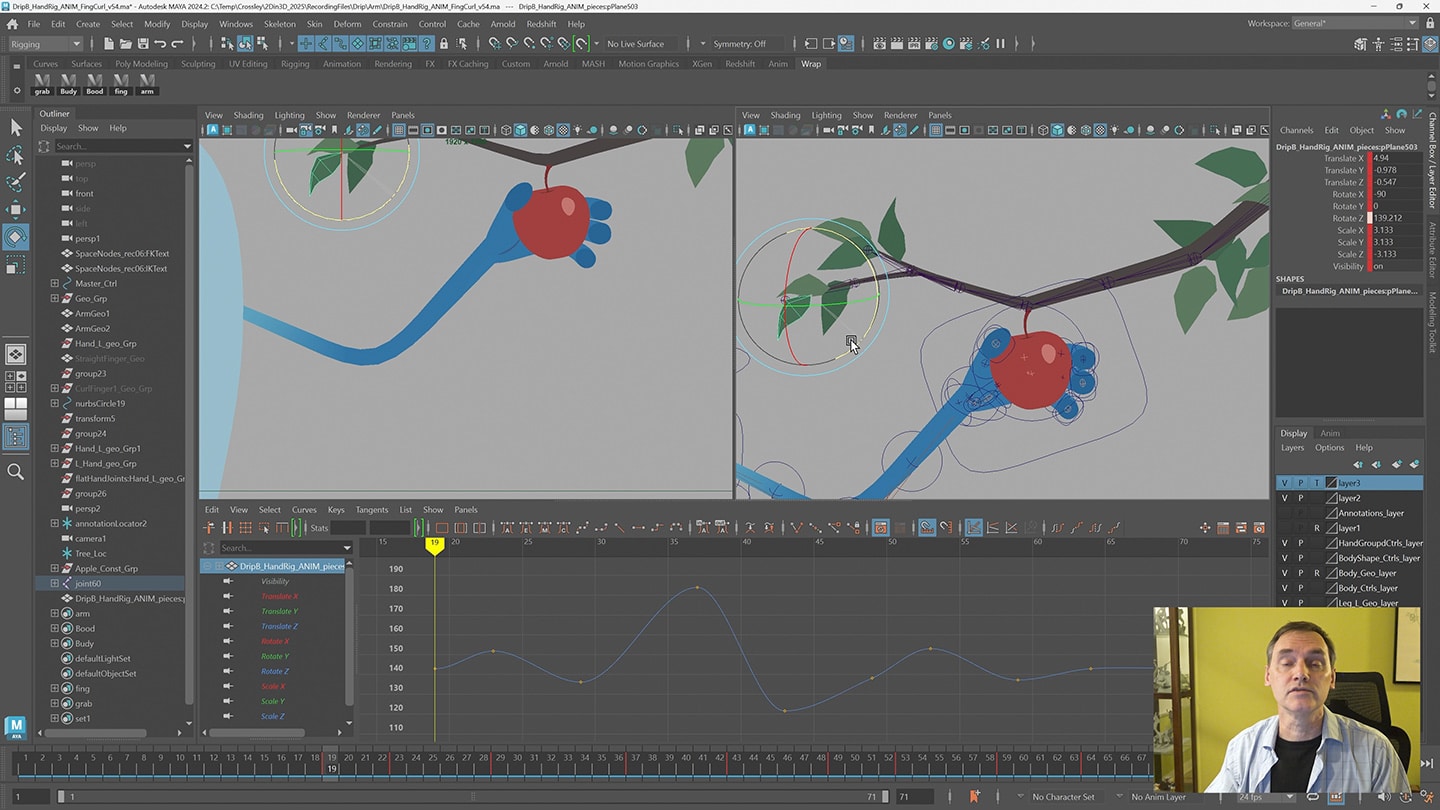
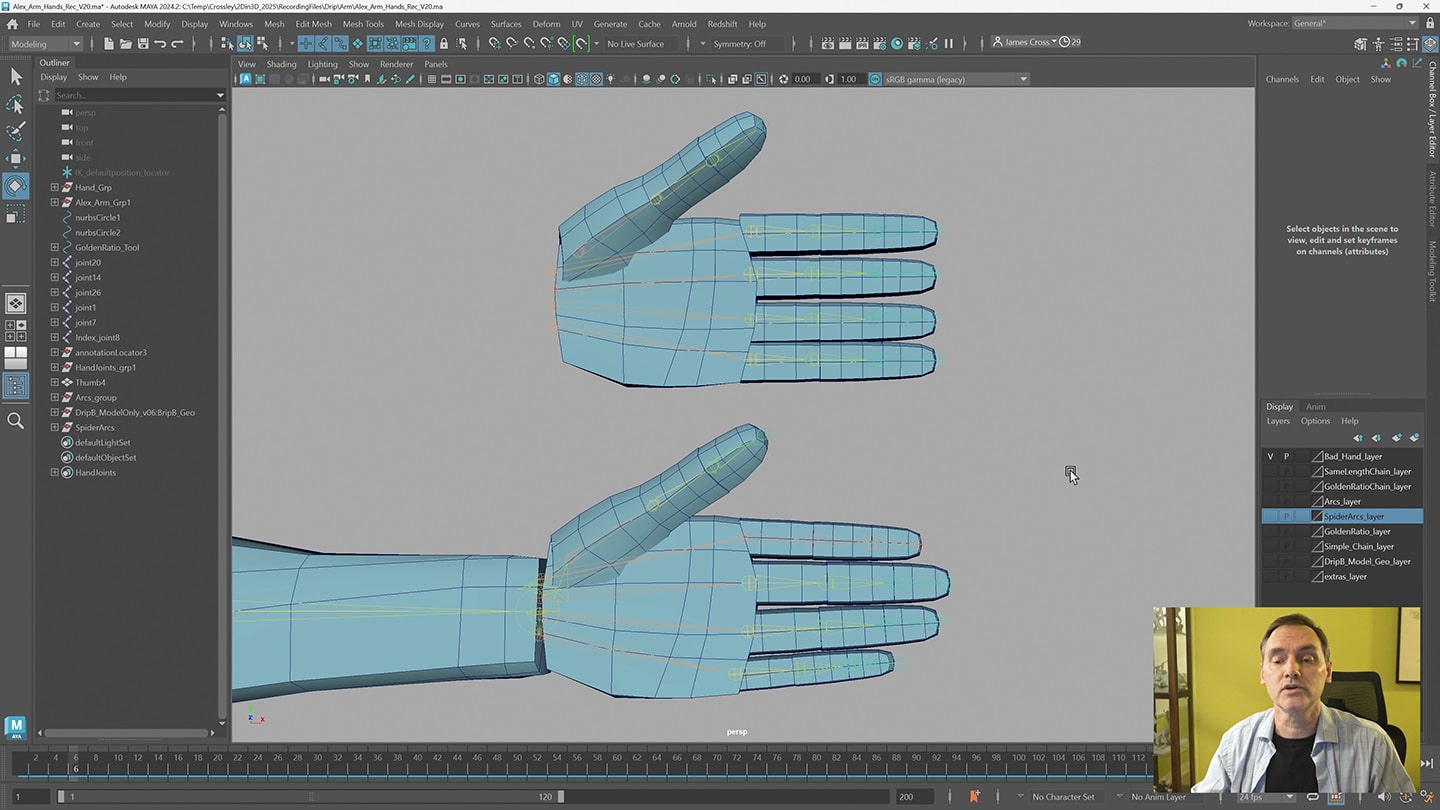
- Arms & Hands: Compare forward and inverse kinematics, create expressive finger poses, and explore how a flat character can reach, grip props, and change the overlap of its hands and arms.
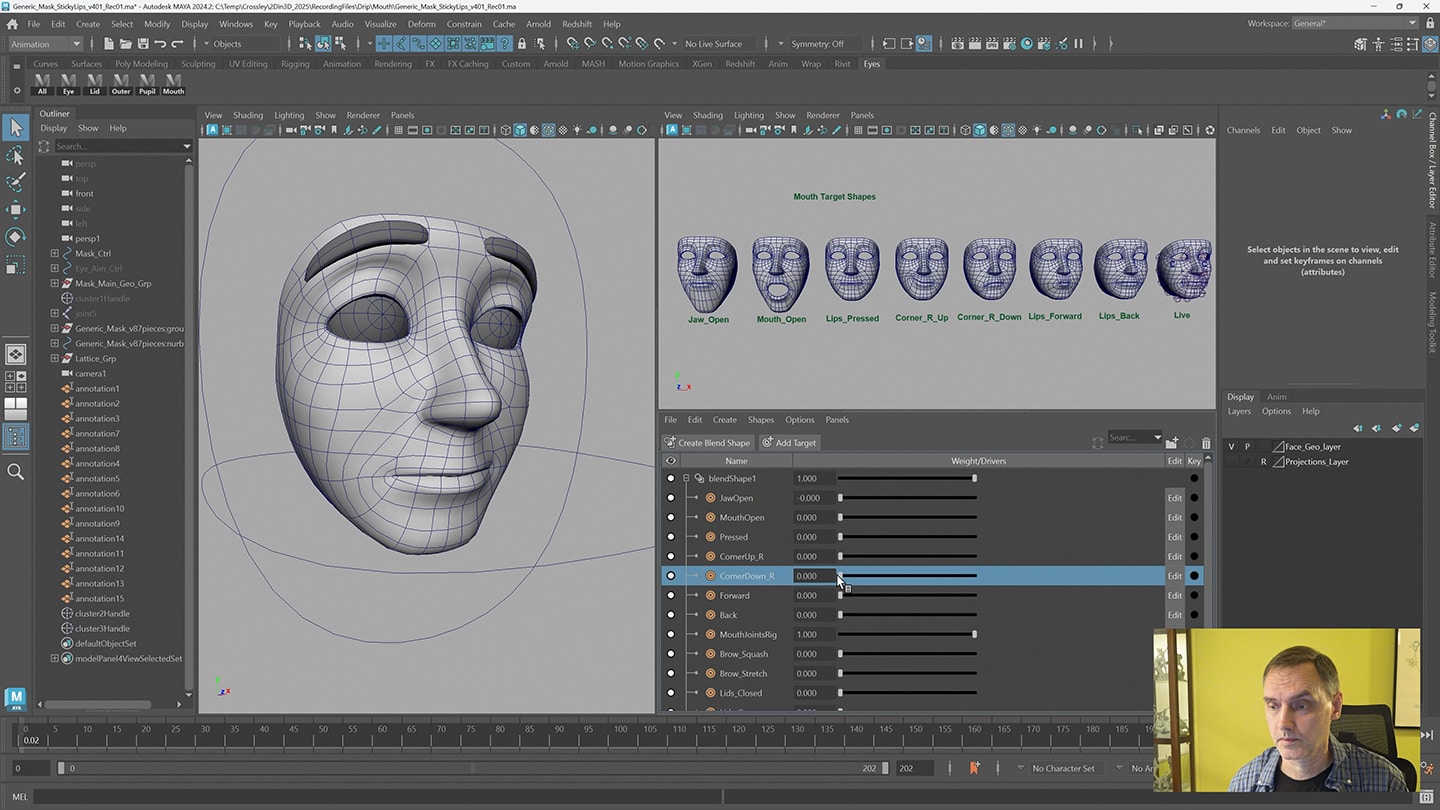
- Eyes, Brows & Mouths: Build controls for blinks and facial expressions. Explore blend shapes, joints, replacement mouth shapes, and masking techniques that support a broad range of performances.
- Characters with Linework: Add outlines, tapered strokes, interior lines, and clothing details. Learn how to rig and reshape those elements as the character moves.
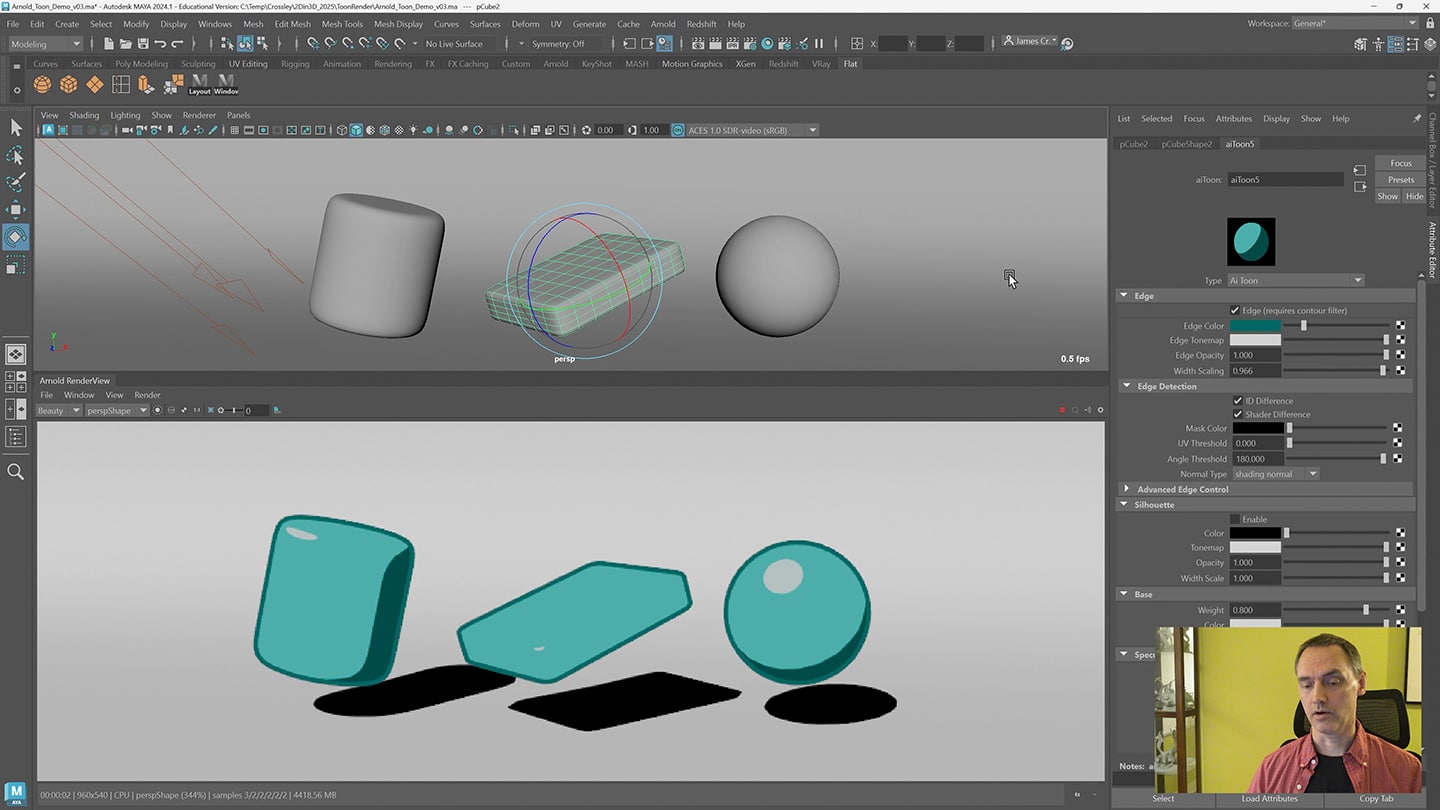
- Maya & Arnold Toon Shaders: Explore flat colors, tonal shading, outlines, and line variation, with dedicated overview videos showing additional ways to develop a stylized look.
- Full Rig & Animation Workflow: Bring the character together, organize controls, and use selection tools and pose libraries. Plan with thumbnails, refine transitions, and explore exaggerated actions and cartoon effects.
Let your drawings guide the rig.
James starts with the poses, expressions, and shapes he wants, then builds and tests the controls needed to achieve them. You’ll see how an understanding of animation improves rigging decisions, and how understanding the rig opens up more possibilities for performance.
Developed from years of personal experimentation, this course gives you a collection of techniques to revisit, combine, and adapt for your own characters, visual styles, and animated films.
Who Is This Course For?
For 2D animators curious about 3D tools, 3D animators exploring a more graphic style, and artists who want to build and animate their own characters. Riggers can also explore how their choices affect posing, expression, and the animator’s workflow.
Software & Getting Started
Demonstrations are recorded in Autodesk Maya 2024. An introductory overview covers the interface, basic modeling, animation tools, and scripting before you move into the main lessons.
The course includes 15 main lessons and 4 overview videos: the course introduction, an introduction to Maya, Arnold toon shading, and Maya toon shading.
NOTE: This version includes Lifetime Streaming Access.
Copyright Notice – All images, videos, and training materials in this course are licensed for PERSONAL USE ONLY. Please do not distribute, post, or attempt to resell them.


Reviews
There are no reviews yet.